> ## Documentation Index
> Fetch the complete documentation index at: https://docs.share.land/llms.txt
> Use this file to discover all available pages before exploring further.
# Create an Account
> Get set up on Shareland in minutes.
## Step 1: Go to share.land
Visit [share.land](https://share.land) and click **Log In** in the top right corner.
## Step 2: Sign in
A Privy popup will appear. You can sign in with:
* **Email** — enter your email and verify with a code
* **Google** — sign in with your Google account
* **External wallet** — connect MetaMask, Coinbase Wallet, Rainbow, or any WalletConnect-compatible wallet
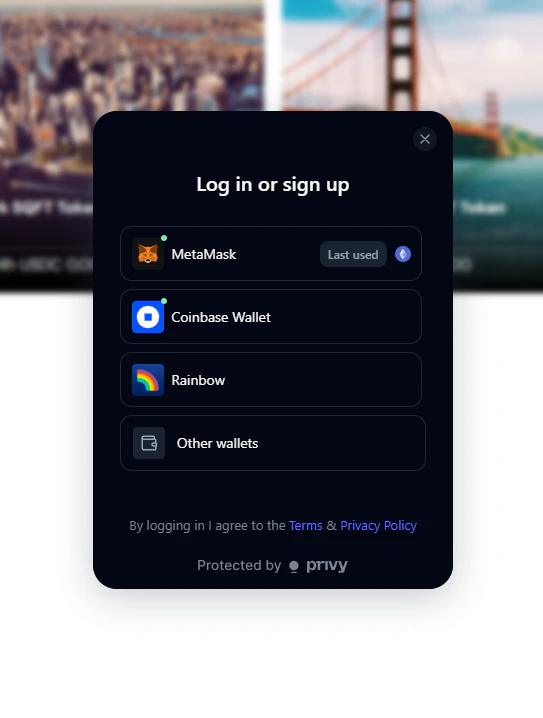 If you sign in with email or Google, Shareland creates a secure wallet for you automatically — no crypto experience needed.
## Step 3: Start exploring
Once connected, you're ready to browse markets and make your first trade.
Explore live SQFT markets
Make your first trade
If you sign in with email or Google, Shareland creates a secure wallet for you automatically — no crypto experience needed.
## Step 3: Start exploring
Once connected, you're ready to browse markets and make your first trade.
Explore live SQFT markets
Make your first trade