

1. Create your account
Go to share.land and click Log In. Connect any Web3 wallet: MetaMask, Coinbase Wallet, Rainbow, or any WalletConnect-compatible wallet. Complete your profile (name + accepting the Terms of Service) to unlock trading.Shareland is not available to residents of the United States or other restricted jurisdictions. See the FAQ for the full list of restricted countries.
2. Fund your wallet
Add USDC to your wallet to start trading. Your wallet address is visible in your portfolio under User Profile.3. Pick a market
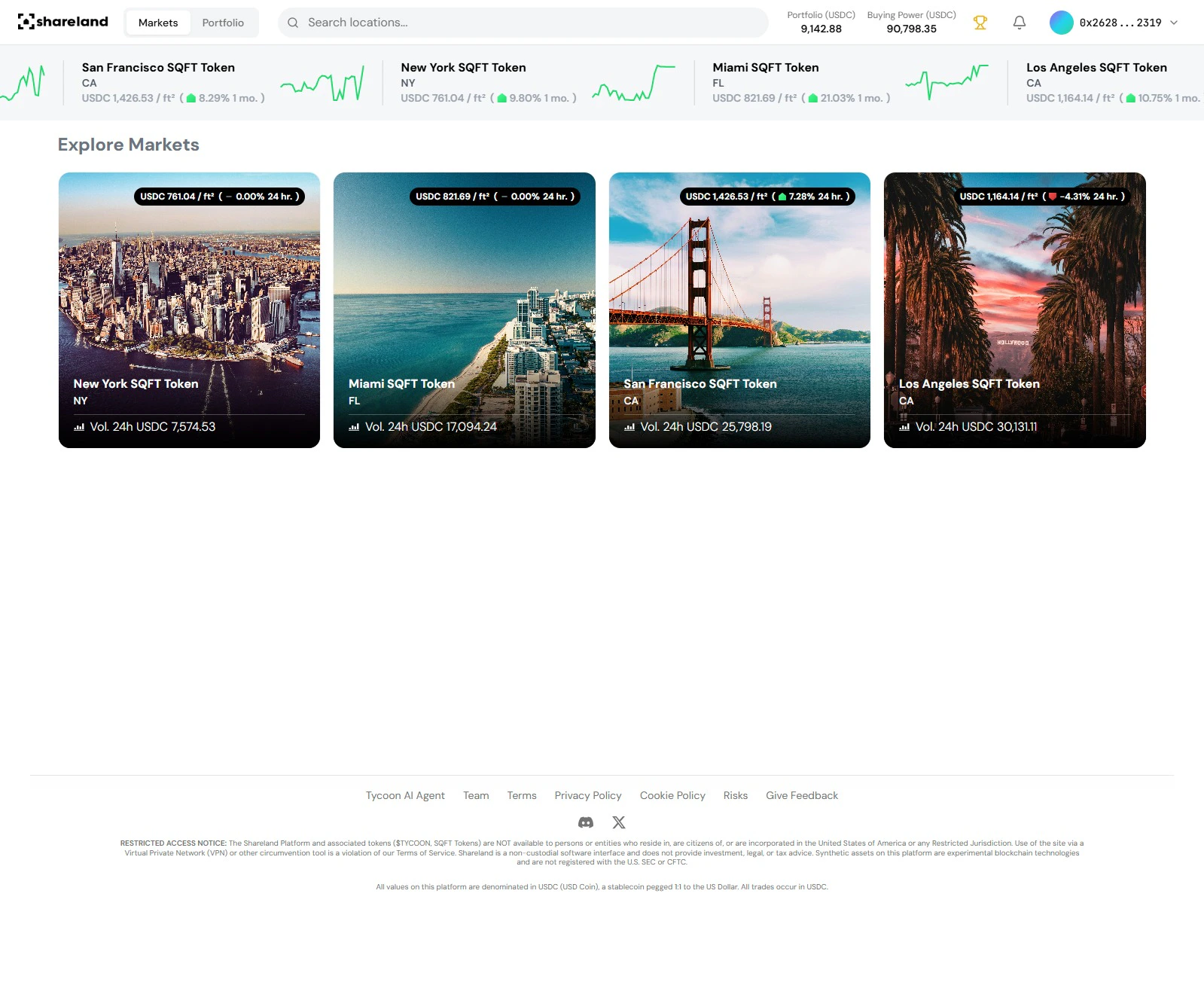
- New York
- Miami
- San Francisco
- Los Angeles
4. Make your first trade
In the market detail panel, click Trade → Buy. Enter the amount in USDC and confirm. Your position appears in your portfolio instantly. That’s it - you now have exposure to real estate by the square foot. 🏙️What’s next?
View your portfolio
Track your positions and P&L
Stake and earn
Provide liquidity and earn USDC yield
Understand the oracle
Learn how prices are set
Read the FAQ
Common questions answered