

Step 1: Go to share.land
Visit share.land and click Log In in the top right corner.Step 2: Sign in
A Privy popup will appear. You can sign in with:- Email — enter your email and verify with a code
- Google — sign in with your Google account
- External wallet — connect MetaMask, Coinbase Wallet, Rainbow, or any WalletConnect-compatible wallet
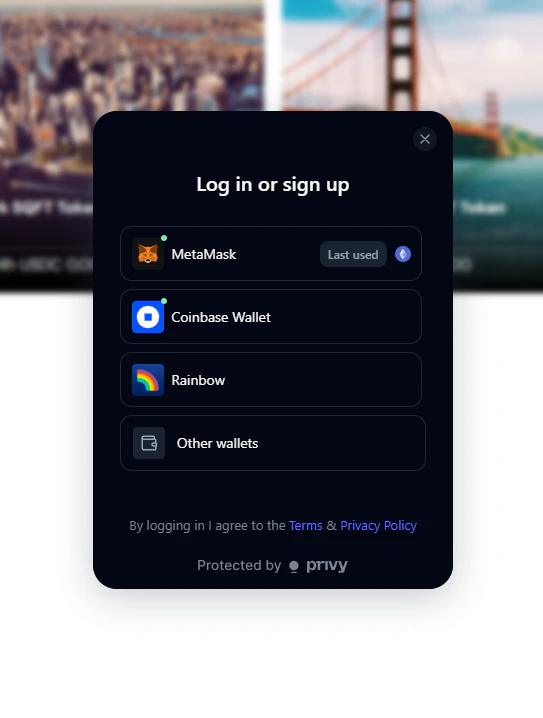
Shareland: Log in or sign up
Step 3: Start exploring
Once connected, you’re ready to browse markets and make your first trade.Browse markets
Explore live SQFT markets
Buy SQFT tokens
Make your first trade